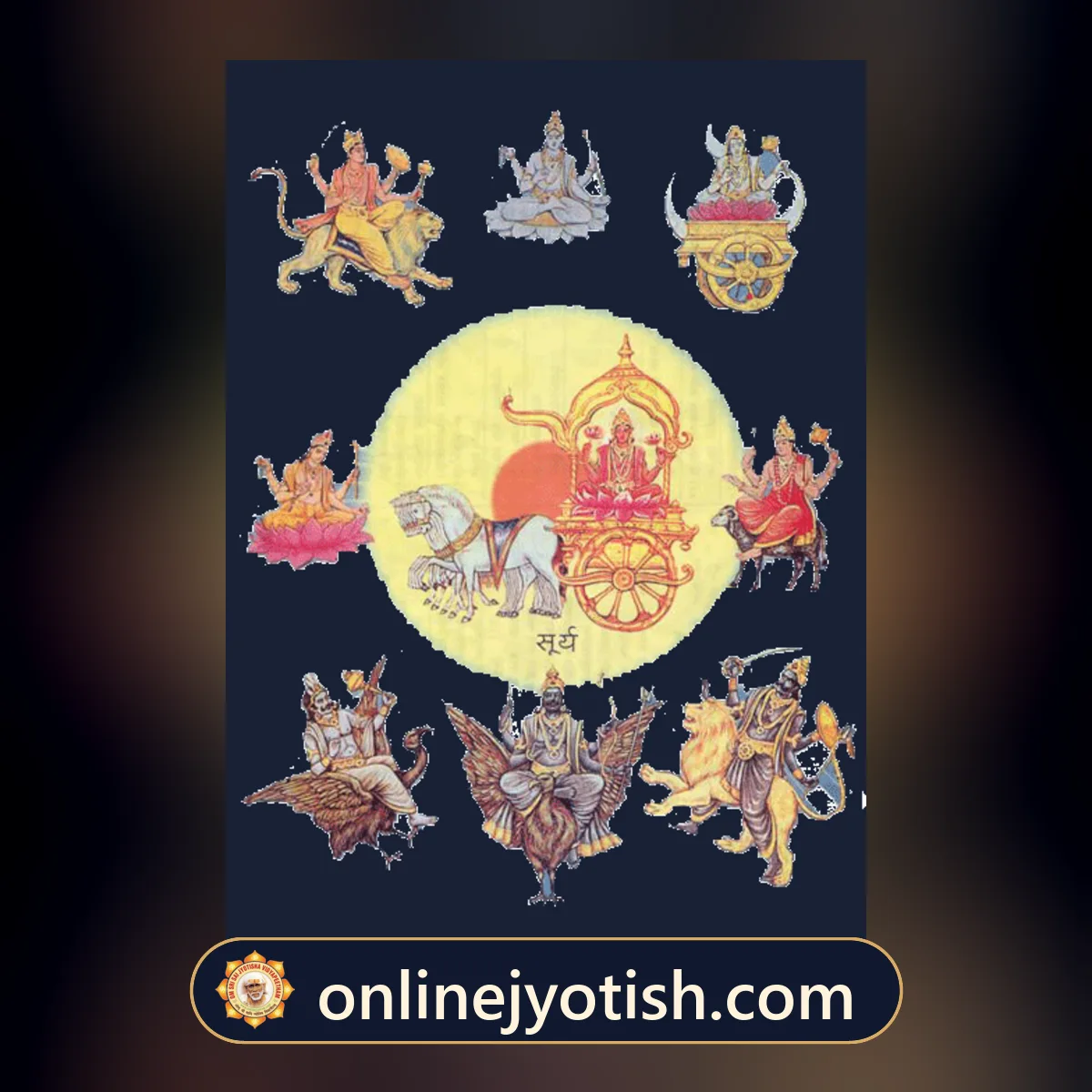
This collection brings together prayers to the Navagraha, the nine grahas of Indian astrology and worship. Choose a deity below, or begin with the short Navagraha Stotram, which addresses all nine in turn. Each reading page explains the prayer in plain English and gives Sanskrit in Roman letters.
New to Graha Stotras? Start here
Graha is a traditional astrological category. It includes the Sun and Moon, five visible planets, and Rahu and Ketu, the two lunar nodes. The nodes are calculated points associated with eclipses, rather than physical planets.
A stotra or stava is a hymn of praise. A kavacha uses the image of armour to ask for protection. A dhyana shloka describes a deity for contemplation. A nama-stotra gathers the deity’s names. A mantra is a sacred formula; some include seed syllables used in particular traditions.
These prayers belong to Hindu devotional traditions connected with Jyotisha. “Vedic astrology” is a common name for Jyotisha, but it does not mean every prayer here comes directly from the Vedas. Read the introduction and scope on each page to see which text is presented.
Choose one short prayer, read its introduction, then read a verse slowly. Use the pronunciation guide when a letter is unfamiliar. You can enlarge the prayer text or print it without the navigation and advertisements. There is no need to rush through every prayer in the collection.
What do the blessings mean?
Many hymns end with a phalashruti, a passage describing the blessings associated with recitation. These are expressions of religious faith and hope. They do not establish that a prayer cures illness, changes a planet’s motion or guarantees a financial result. Devotion is a personal choice and does not require a paid report or ritual.
Service guide
Navagraha Stotras
What does this service help me understand?
Find prayers for all nine grahas, with Sanskrit in Roman letters, plain-English explanations and a beginner guide to stotras, kavachas and mantras.
How do I use this page?
Enter the details requested in the form, check your selections, and use the submit button to see the result. Read the explanation with the result; the related pages below explain the terminology and other available methods.